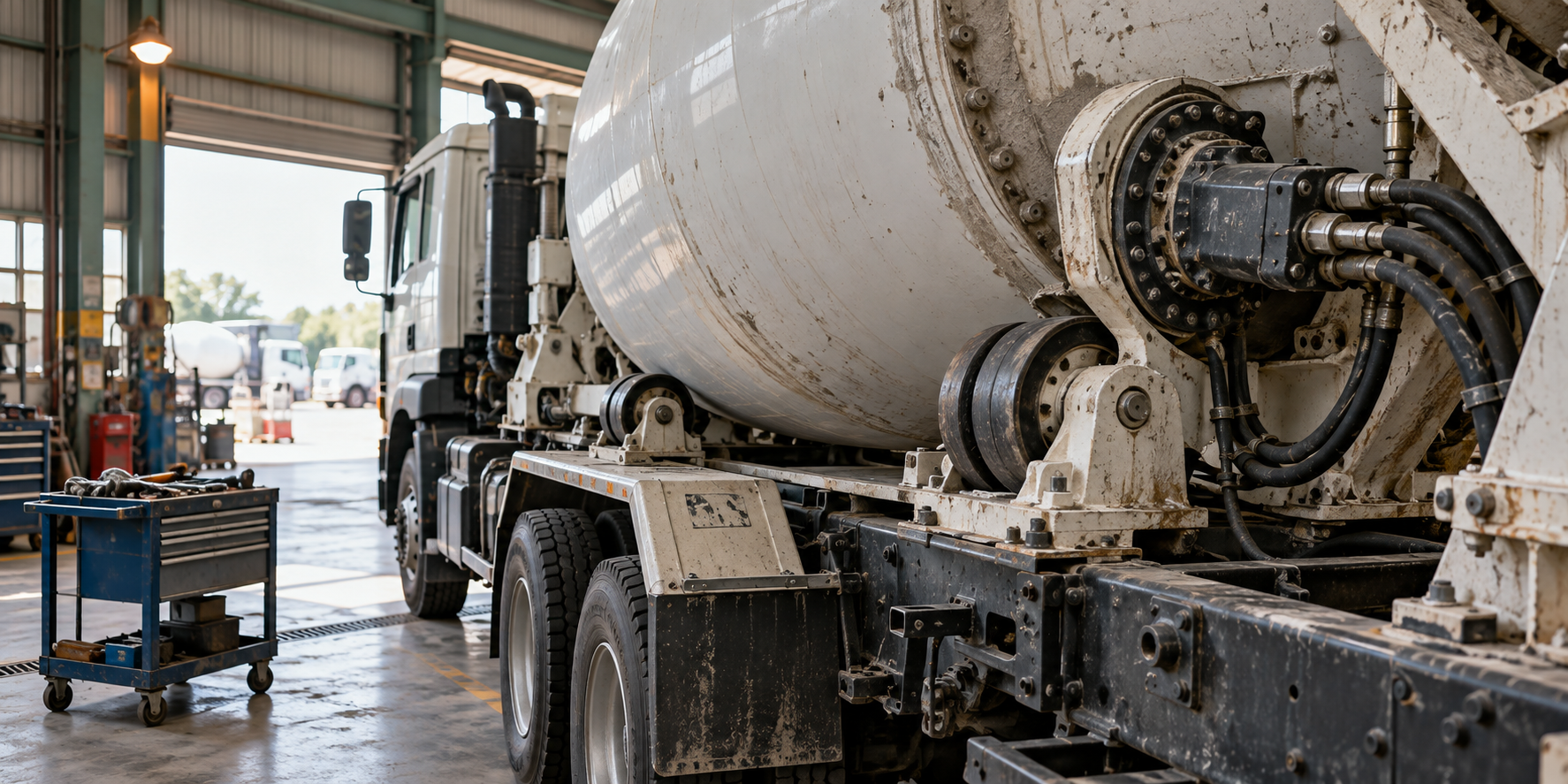
Video Viewing for Used Concrete Mixer and Pump Trucks
Explore a used truck online before travelling. Send its reference and the views you want, then discuss recorded footage or a viewing appointment with YS.
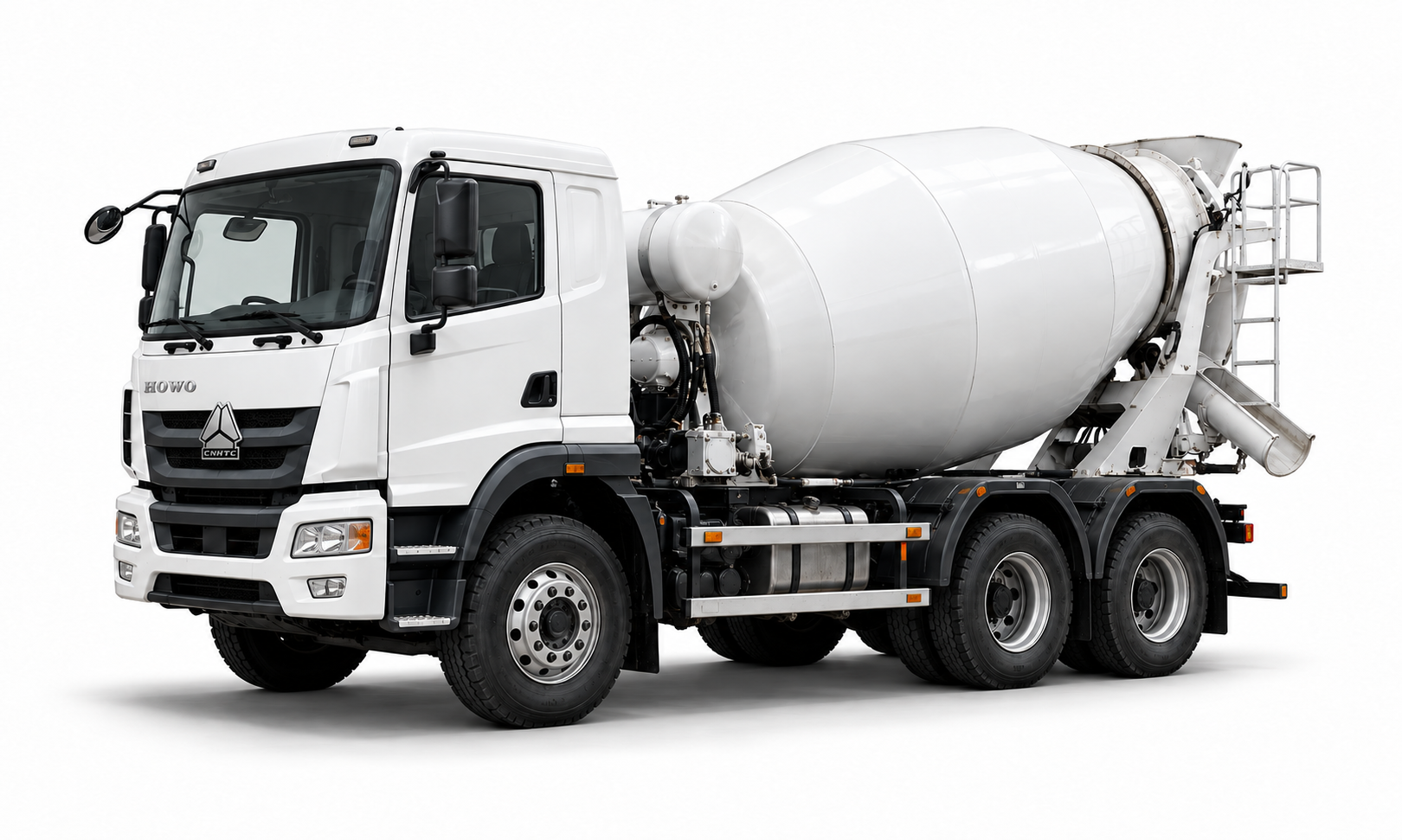
Arrange a vehicle video view
Start with an overview linking the vehicle plate to the truck, then move to the areas you want to see in detail. Identification, usage readings, condition and operating footage answer different questions.
Keep notes on unseen areas or functions that were not demonstrated. Technical inspection and load testing have their own methods, personnel and costs.
From vehicle reference to viewing request
Identify the vehicle
Send a truck reference or your preferred type and model. Add the destination if you are still looking for a candidate.
Share viewing questions
List the views you want: plates, dashboard, cab, drum, hydraulics, chassis, pump or accessories. Mention any conflicting details in the advert or specification.
Arrange the appointment
Discuss recorded footage or a live appointment. For a live view, add your time zone and agree the date, contact and areas to cover.
Review the material
Keep the original files and your viewing notes. Follow up on unanswered questions with further views or a technical assessment.